
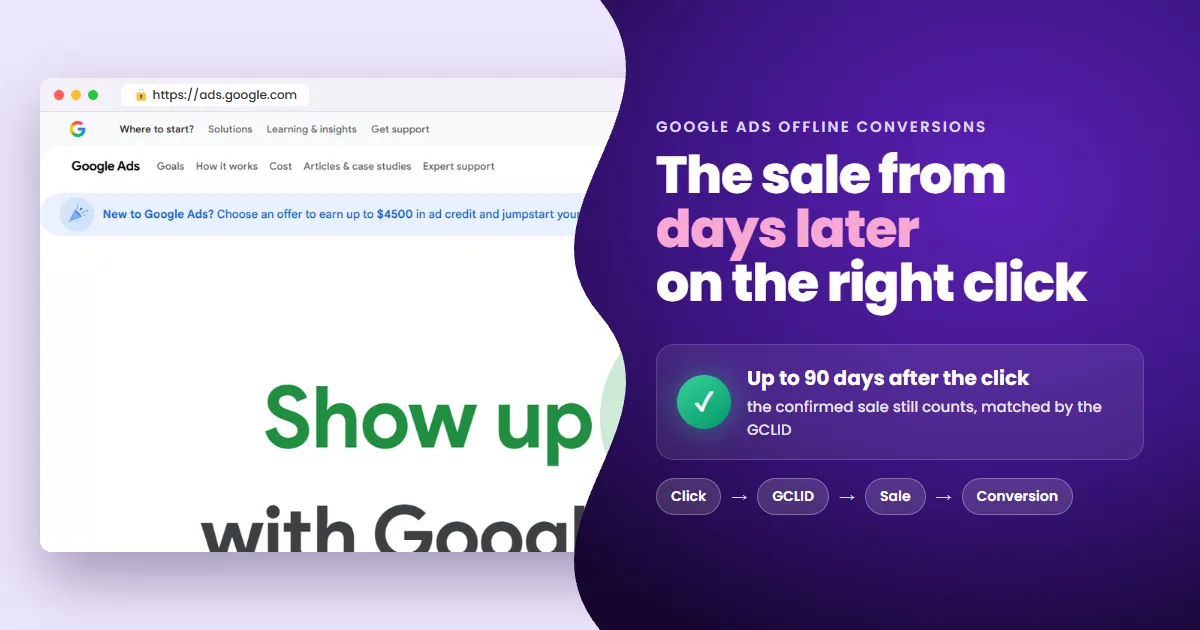
An offline conversion in Google Ads is a sale that happens off your site and gets recorded later, matched to the click by the GCLID. For affiliates, almost every sale is offline: it happens on the network's checkout, on a phone call or at delivery. Here is how to record it, and the mistake that zeroes the count.
- The problem: the sale happens where Google can't see it.
- The key: the GCLID stored at the click ties the sale to the ad, up to 90 days later.
- The 3 ways: a Data Manager connection, the Google Ads API or an affiliate tracking tool.
- The common mistake: the sale lands in a conversion action the campaign doesn't count.
Your sale happens where Google can't see it
Google Ads only sees what happens up to the click. The affiliate's sale happens somewhere else: on the ClickBank, Digistore24 or MaxWeb checkout, on a confirmation call or when the order is delivered.
Without that sale on record, automated bidding optimizes for what it can see: clicks and form fills. It starts chasing cheap clicks, not buyers. There is, however, one code that reconnects both ends, even days later.
GCLID (Google Click Identifier) is the unique code Google appends to the URL on every ad click. In an offline conversion, it is the key that matches the sale recorded later to the original click.
From click to conversion: the 4 steps of offline tracking
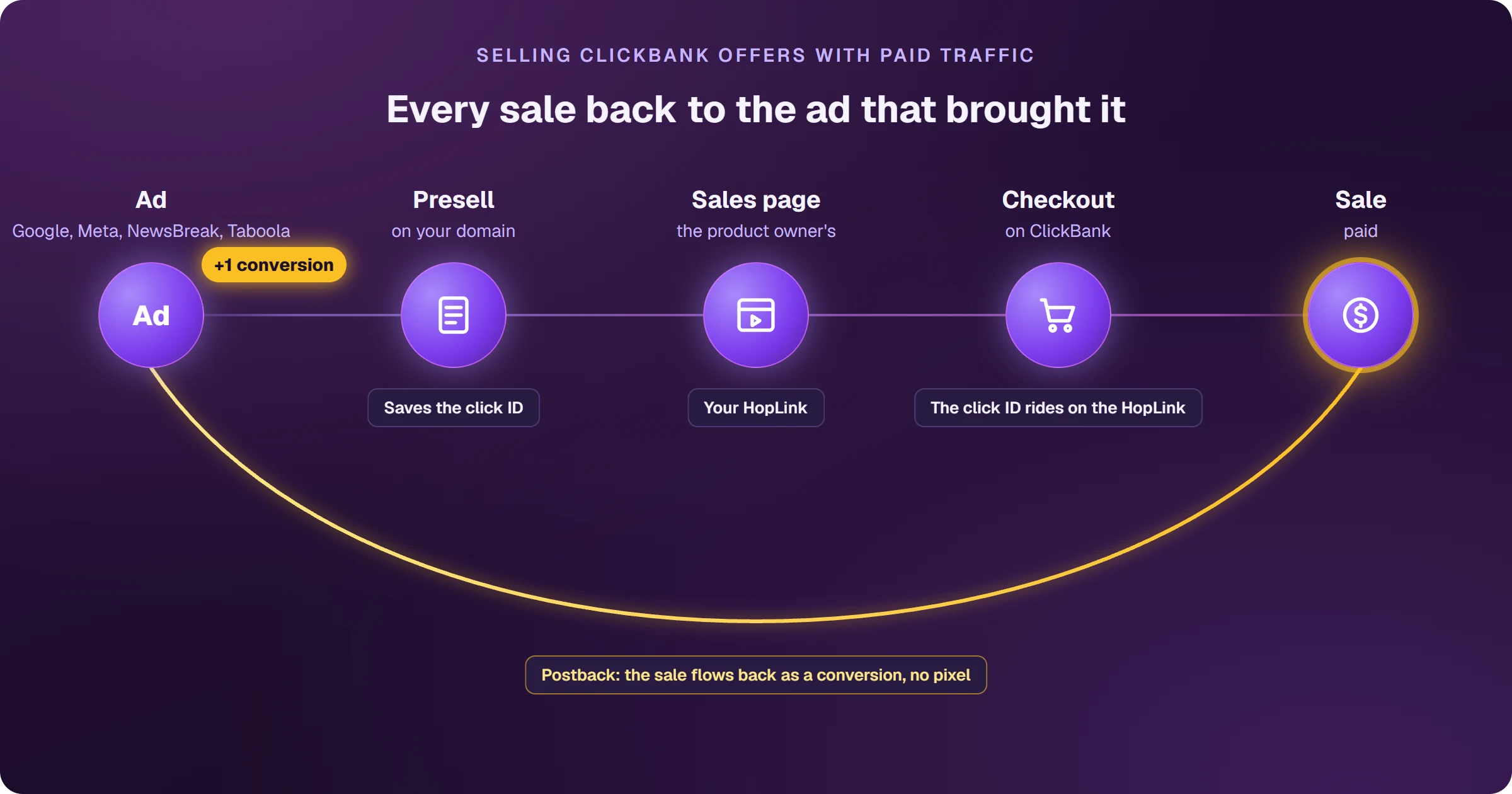
There are four steps. The first two happen on your presell; the rest happen after the sale.
- 1Click: the visitor clicks the ad and Google writes the GCLID into the presell URL.
- 2Store: the presell keeps the GCLID and passes it on, in the affiliate link or the order form.
- 3Sale: the network confirms the sale with the GCLID attached, hours or days later.
- 4Record: the confirmed sale, with GCLID, date and value, enters Google Ads as a conversion for that click.
No GCLID, no offline conversion. If the presell doesn't keep the code or the order form doesn't carry it along, the sale has no way to be matched to the click.
 Read alsoGoogle Ads GCLID Tracking for Affiliates: Full Guide
The 3 ways to import offline sales into Google Ads
With the GCLID stored, the confirmed sale still has to reach Google. There are three routes.
1. A Data Manager connection
The one-off CSV upload is gone from the interface. Under Goals, Conversions, Uploads, Google Ads now points to Data Manager, which only works with connections: HTTPS, Google Sheets, Google Drive, SFTP, BigQuery and CRMs.
You keep confirmed sales in one of those sources, with GCLID, date and value, create the connection and pick the destination conversion action. The work left is keeping that source up to date.
2. The Google Ads API
The API takes click conversions in code, on every confirmed sale. It is the fastest route at high volume, but it requires programming and a server to receive the sale from the network and upload it.
3. An affiliate tracking tool
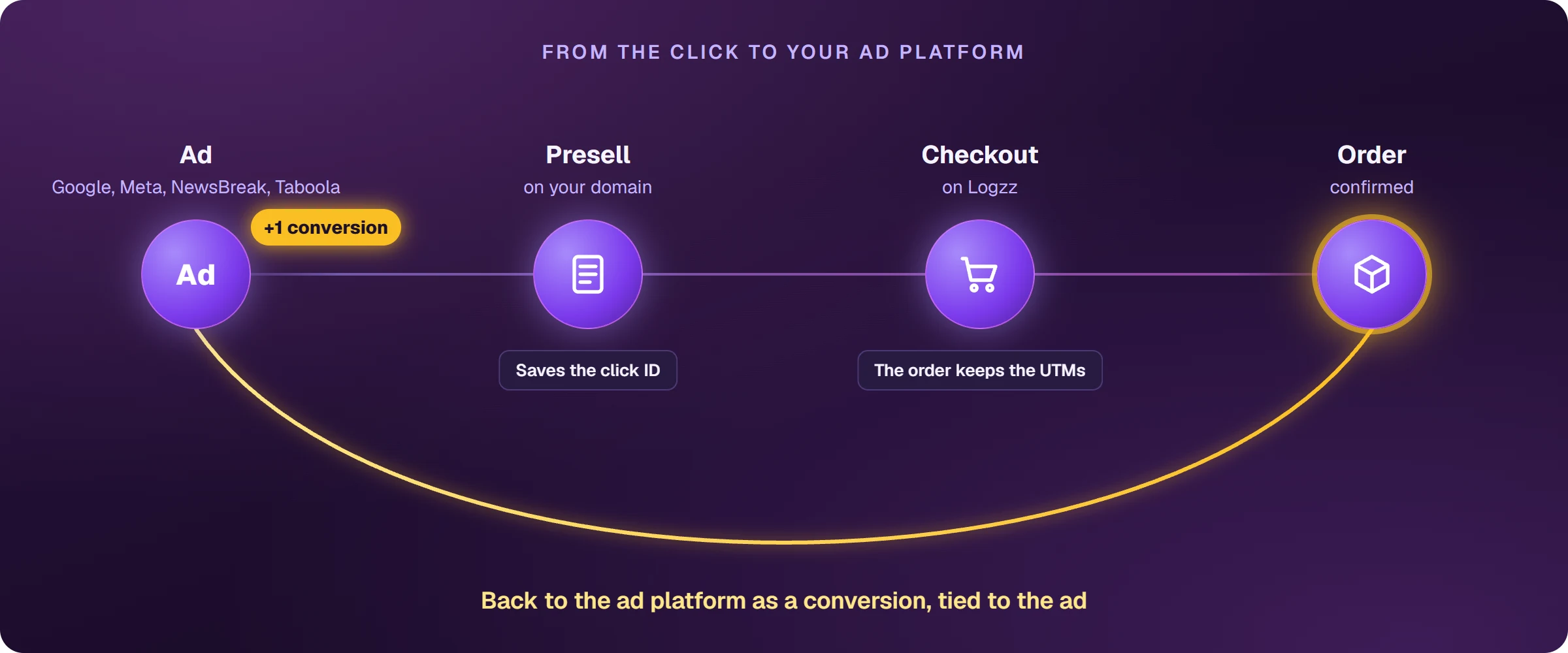
The tool receives the sale straight from the network through its postback and keeps confirmed sales in a source that is ready for Data Manager. You create the connection once and Google fetches the sales on its own.
But a sale reaching Google Ads doesn't mean the campaign counts it.
The sale came in but the campaign didn't count it? Check the goal
A campaign only counts the conversion actions in its goal. If the connection sends sales to an action outside that goal, the Conversions column stays at zero. The sale only shows under All conversions.
- New action: creating the action while setting up the connection produces one that no custom goal includes.
- Custom goal: add the action that receives the sales to it, in every campaign using that goal.
- Click date: the conversion shows on the day of the click, not the day of the sale.
- No errors isn't enough: an error-free import only proves the GCLID matched a click.
Google accepts an offline conversion up to 90 days after the click. A sale confirmed weeks later still teaches the campaign, as long as the GCLID was stored.
Frequently asked questions about Google Ads offline conversions
How long do I have to import an offline conversion?
Up to 90 days after the click. Past that, Google no longer accepts a conversion for that GCLID.
Do offline conversions work with Smart Bidding?
Yes. An offline conversion counts in the campaign like any other, and Target CPA and Target ROAS use that data, as long as the conversion action is in the campaign's goal.
Do I need a developer?
It depends on the route. A Data Manager connection needs no code, but someone has to keep the source up to date. The API needs programming. An affiliate tracking tool hands you the source ready to connect.
Do offline conversions work for cash on delivery (CoD)?
Yes, and that is where they help most. With CoD, the sale only exists after the confirmation call and the delivery. An offline conversion records the paid sale, not just the order, tied to the click that brought it.
Record the offline sale and teach your campaign to find buyers
For an affiliate, offline conversions are the only way Google learns who bought. Store the GCLID, record the confirmed sale and check the goal. With those three in place, your campaign learns from every new sale.
 AdsXEverything you need to sell as an affiliate
If you want every network sale recorded in Google Ads
AdsX has over 5,000 users and gets your affiliate network's sales ready for Google Ads: campaigns that learn from every new sale, with no spreadsheet and no code.
More on Affiliate tracking
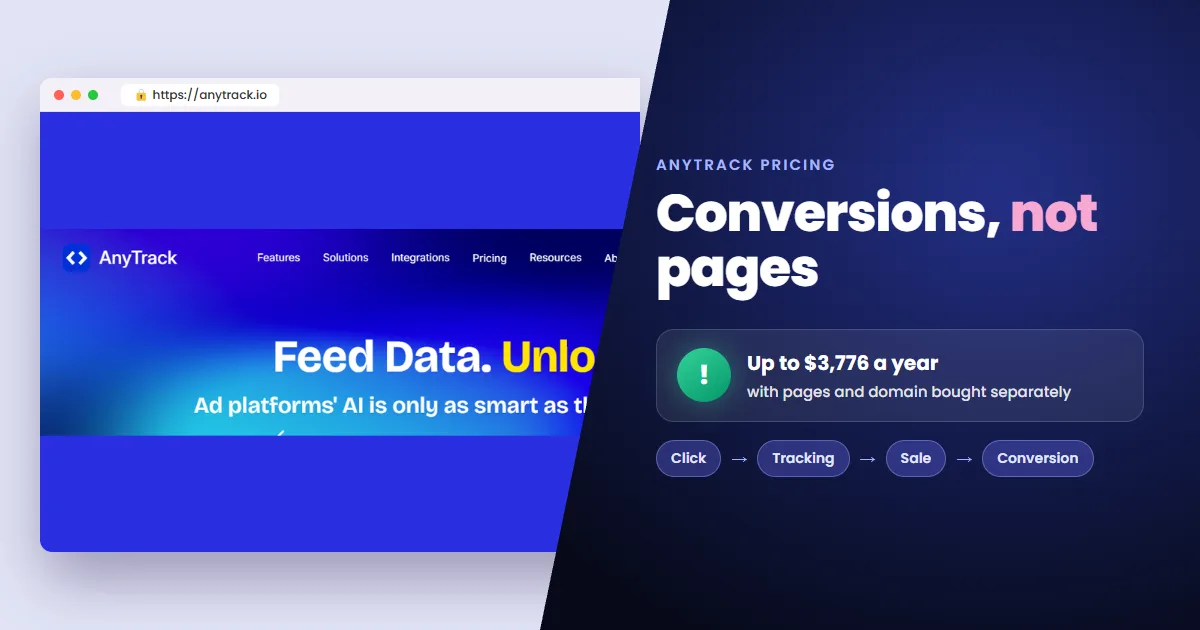 AnyTrack Pricing: Plans, Google Ads Tracking and Reviews
 ClickMagick Review 2026: Pricing and Is It Legit?
 ClickBank Tracking Pixel for Google Ads