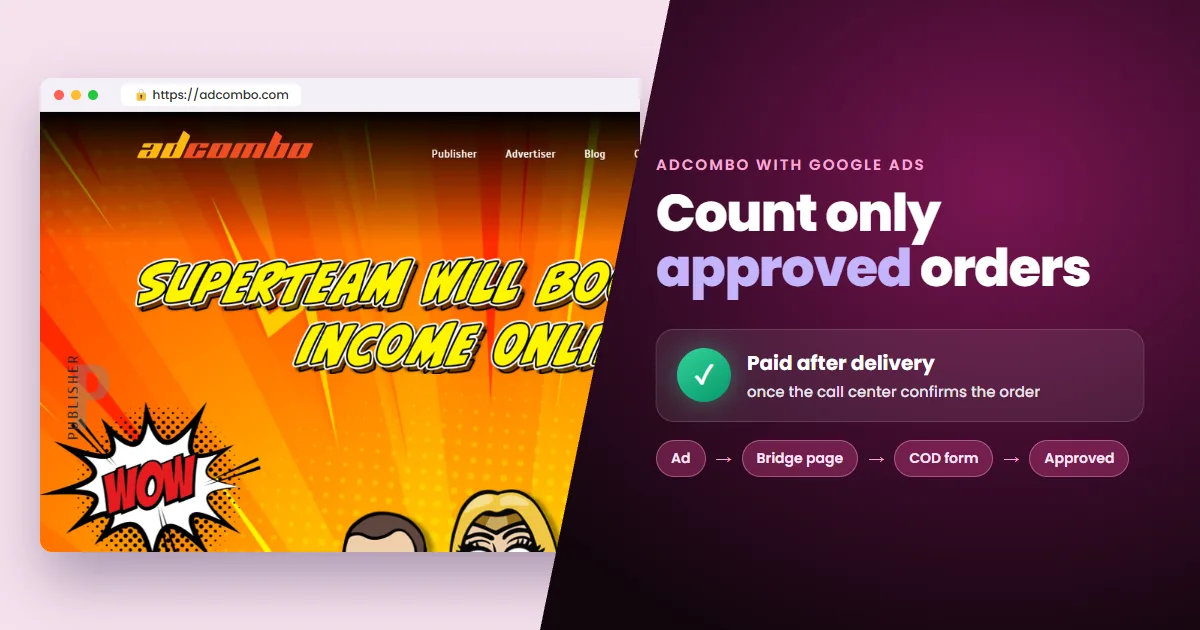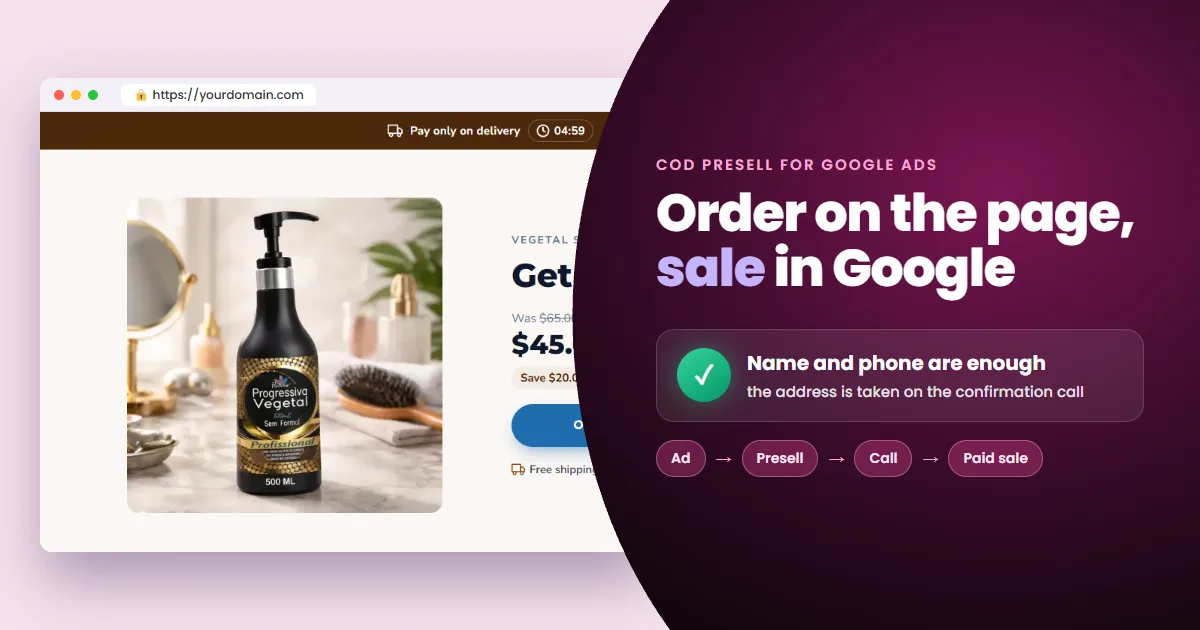
A cash on delivery presell page does one job: it captures name and phone and hands the order to the CoD network. The network's call center confirms the sale. Building the page is simple. The hard part is measuring a sale that only happens on the phone.
- The conversion is the form: the visitor doesn't leave your page to order.
- Fewer fields, more orders: name and phone are enough in most operations.
- The trap: optimizing for orders makes Google chase people who never pick up.
- The fix: record the confirmed sale in Google, tied to the click that brought it.
With CoD, the sale starts on your own page
On a CoD presell, the conversion happens on the page itself. In every other model (cookie, quiz, review, ghost), the goal is the click through to the sales page.
Cash on Delivery (CoD): the customer leaves name and phone, gets a confirmation call and only pays when the product arrives.
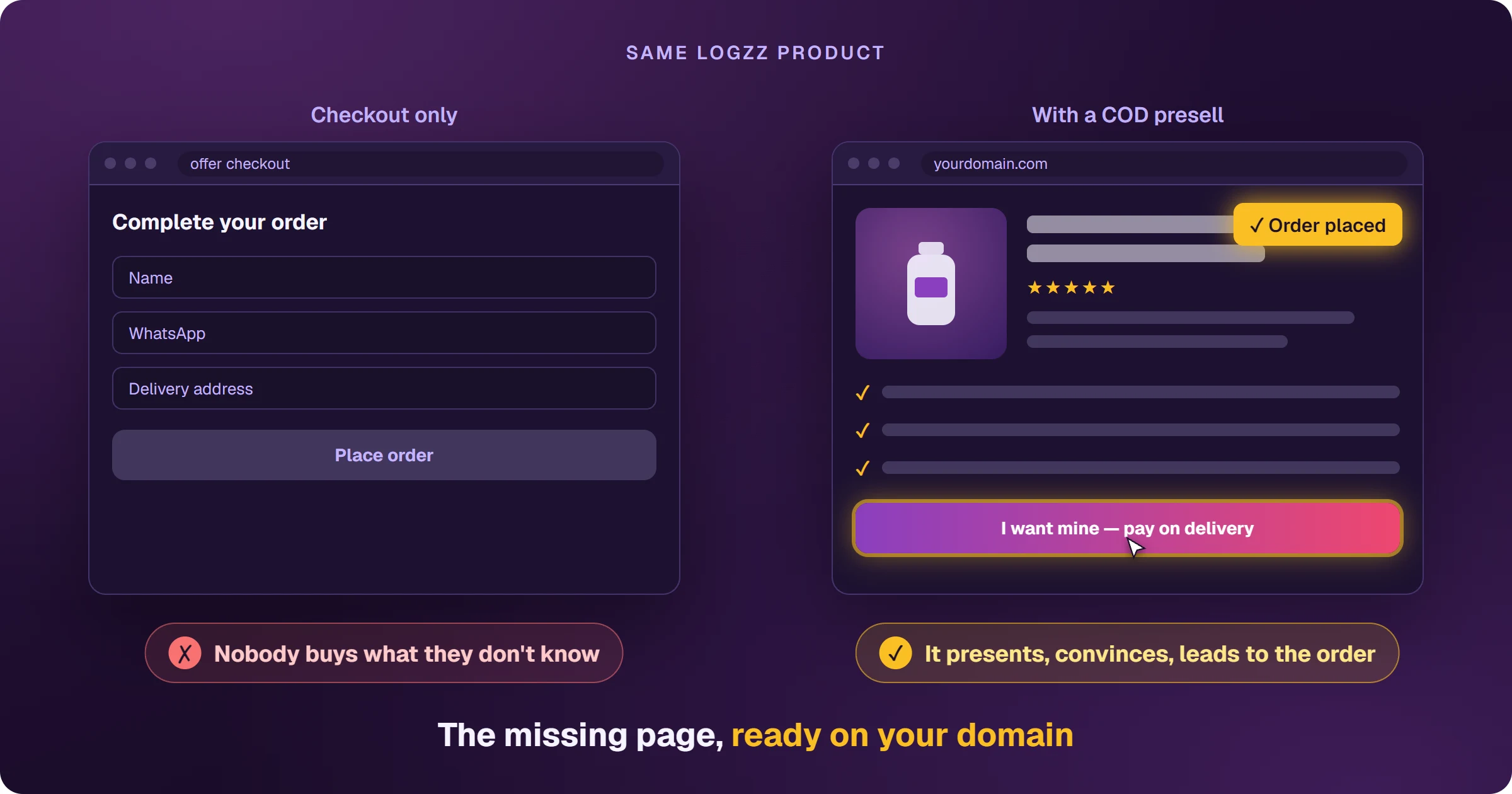
That flip changes what the page needs:
- Less pitch, less friction: the visitor already came from the ad wanting the product.
- Every extra field cuts form completion.
- Every second of load time on mobile cuts it too.
- Two metrics: cost per order (what you invest to get one order) and confirmation rate (how many orders become sales).
Before building the page, it pays to know where this model sells best.
Where cash on delivery sells best
Where card use is low or distrust of online payment is high. The most common cases:
- Low to mid ticket physical products: supplements, cosmetics, joint pain relief, weight loss.
- Markets where CoD is the default: Latin America, Southeast Asia, the Middle East and parts of Eastern Europe.
- Offers with visual appeal: before and after, product demo, packaging.
- Older audiences who prefer to confirm a purchase with a real person.
Networks such as AdCombo and Dr.Cash specialize in CoD, alongside regional networks. Availability is country-specific: check which geos the advertiser ships to before scaling.
Once the geo is set, the page itself comes down to five steps.
How to make a CoD presell page in 5 steps
Five steps, built for the most common format: with a form, the order is placed on the presell itself. In the no-form format, the sales page already has the order form, and the presell warms up the click and leads to it.
1. Ask only for the minimum fields
Name and phone are enough in most operations. The address is collected on the call, because typing an address on a phone is the biggest cause of drop-off. If the network requires city or region, use a dropdown, not free text.
2. Build the top around the physical product
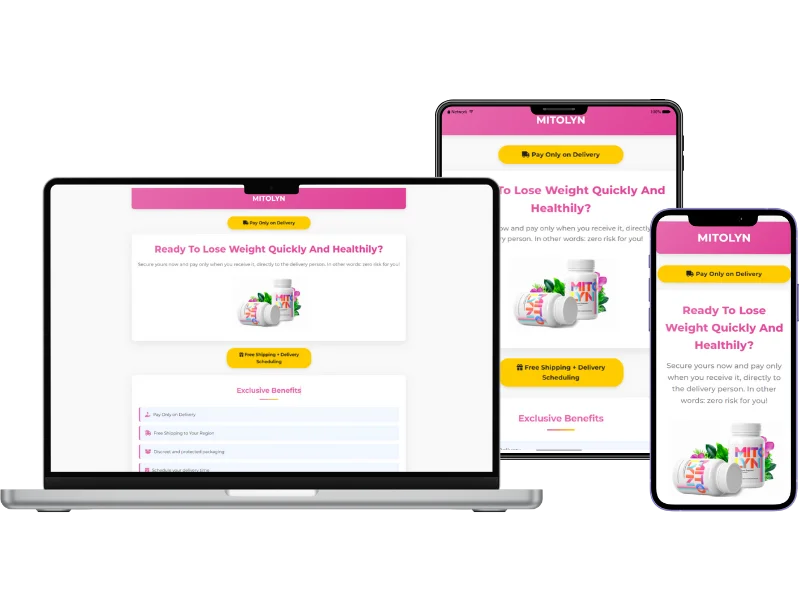
The visitor is buying something they will hold. Above the fold, show:
- A large product image.
- The discounted price and the delivery time.
- “You only pay when it arrives”, above the fold, not in the footer.
3. Form right below, and again at the bottom
Visitors already convinced by the ad fill it in at the top. Those who need more fill it in after the social proof. Use a button with a verb and a benefit: “Send it to my door” beats “Submit”.
4. Delivery-specific social proof
With CoD, the objection is whether the product will arrive. Reviews that mention delivery time, photos of the product received and a pay-on-delivery badge outweigh generic before-and-after reviews.
5. Your own domain, a fast page and real content
The page needs a domain you own, with HTTPS, and a fast load on mobile. Google expects original content: a real product description, delivery terms, a privacy policy and contact details.
With the page live, one piece is left: the one that separates buying orders from buying sales.
Optimizing for orders instead of confirmed sales is the most expensive CoD mistake. Smart Bidding starts hunting for people who type a phone number, not people who pick up and pay.
An order is not a sale: tie the confirmation to the click
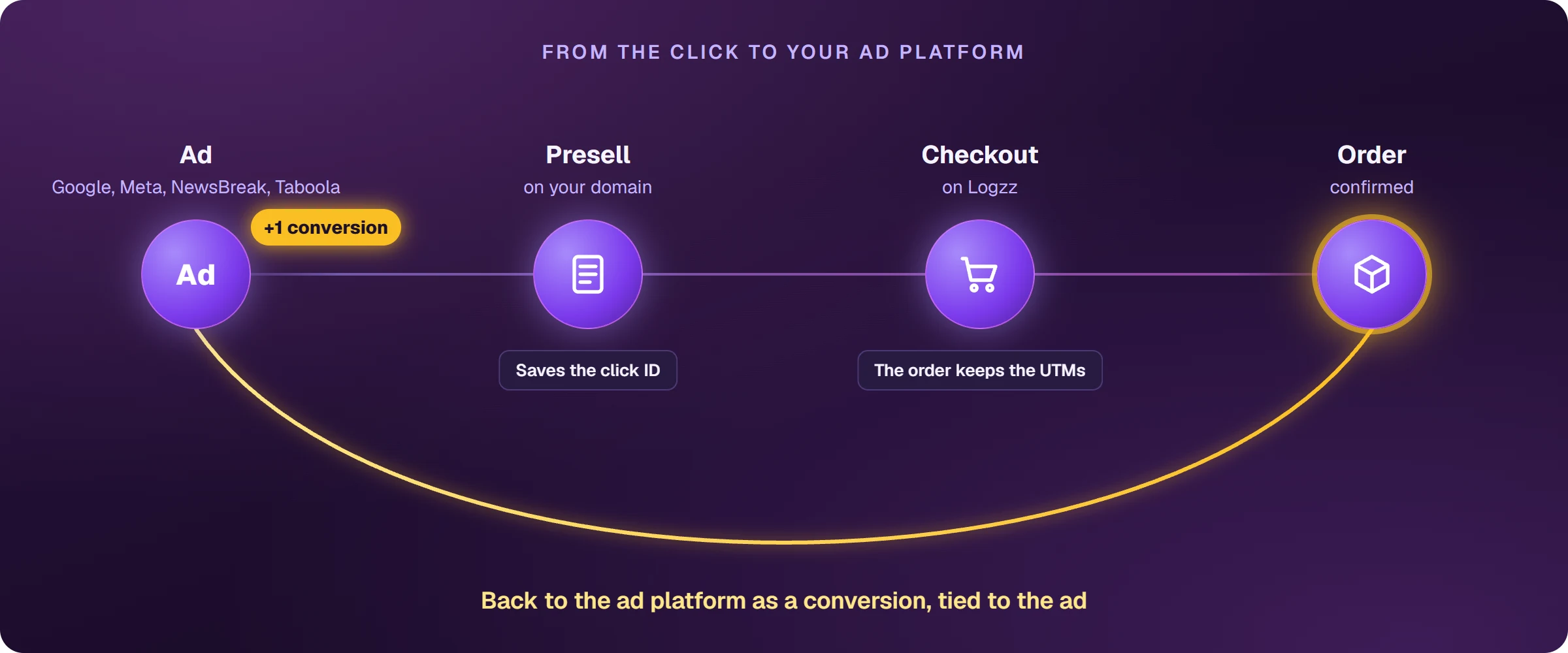
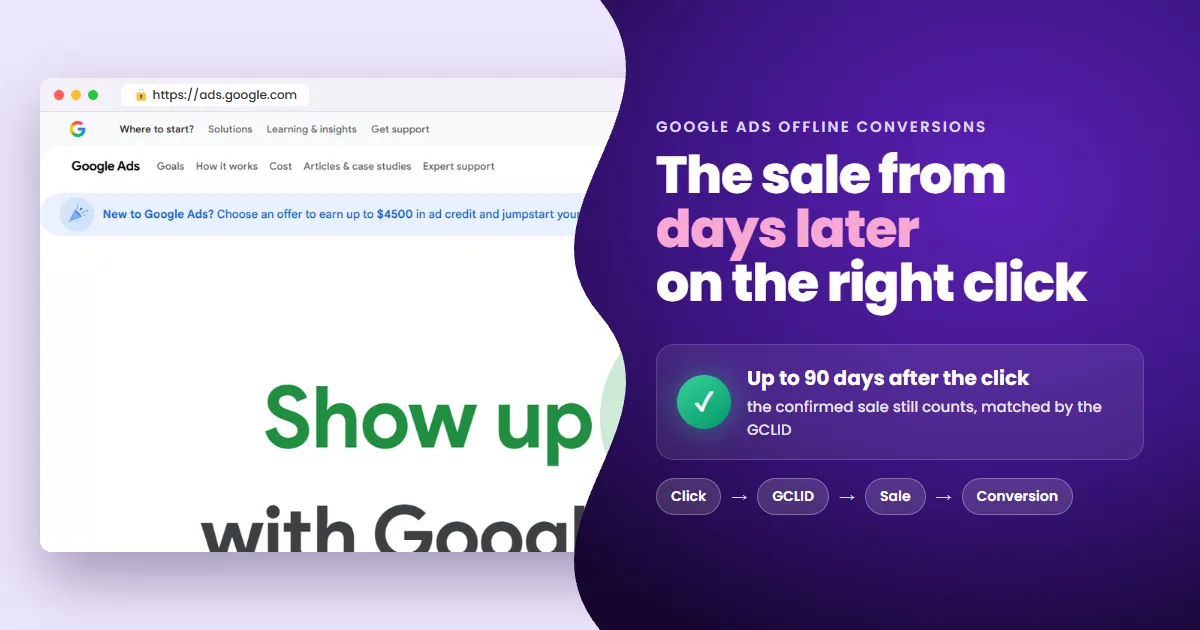
Confirmation rates vary a lot between traffic sources. If the campaign learns from raw orders, it chases exactly the audience that disappears on the phone. The fix is to record the confirmed sale in Google Ads, days later, tied to the original click.
- 1Click: Google writes the GCLID, the unique code for that click, into the presell URL.
- 2Order: the presell stores the GCLID and sends it to the network with name and phone.
- 3Confirmation: the network calls, confirms and delivers; the order becomes a paid sale.
- 4Conversion: the confirmed sale is recorded in Google Ads as a conversion for that click.
 Read alsoGoogle Ads Offline Conversion Tracking for Affiliates
CoD affiliates who optimize for confirmed sales instead of raw orders tend to pay less per real sale: Smart Bidding stops buying phone numbers that never answer.
Frequently asked questions about CoD presell pages
Do I need to ask for the full address on the form?
In most operations, no. The standard is to capture name and phone and leave the address for the call. Ask only for what your network requires.
Does Google Ads approve CoD presell pages?
It can, if the page has original content: a real product description, delivery terms, a privacy policy and contact details. Niche policies still apply: supplements and weight loss have their own rules. What gets disapproved is the empty page that only collects phone numbers and redirects.
How does Google know the sale happened days later?
Through the GCLID stored at the moment of the order. When the network confirms the sale, the conversion is recorded against the original click, even days later.
Which networks run cash on delivery offers?
AdCombo, Dr.Cash and several regional CoD networks specialize in it, and Logzz runs the model in Brazil. Check the geos each offer ships to before you build the page.
Measure the confirmed sale and stop paying for phone numbers
A CoD presell page is the easiest model to build and the hardest to measure. The difference is tying the order to the confirmed sale. With that link in place, the campaign starts looking for people who pick up, receive and pay.
 AdsXEverything you need to sell as an affiliate
If you want to sell cash on delivery offers with Google Ads
AdsX has over 5,000 users and builds your CoD presell on your own domain, then tracks every confirmed sale, with no WordPress and no code.