
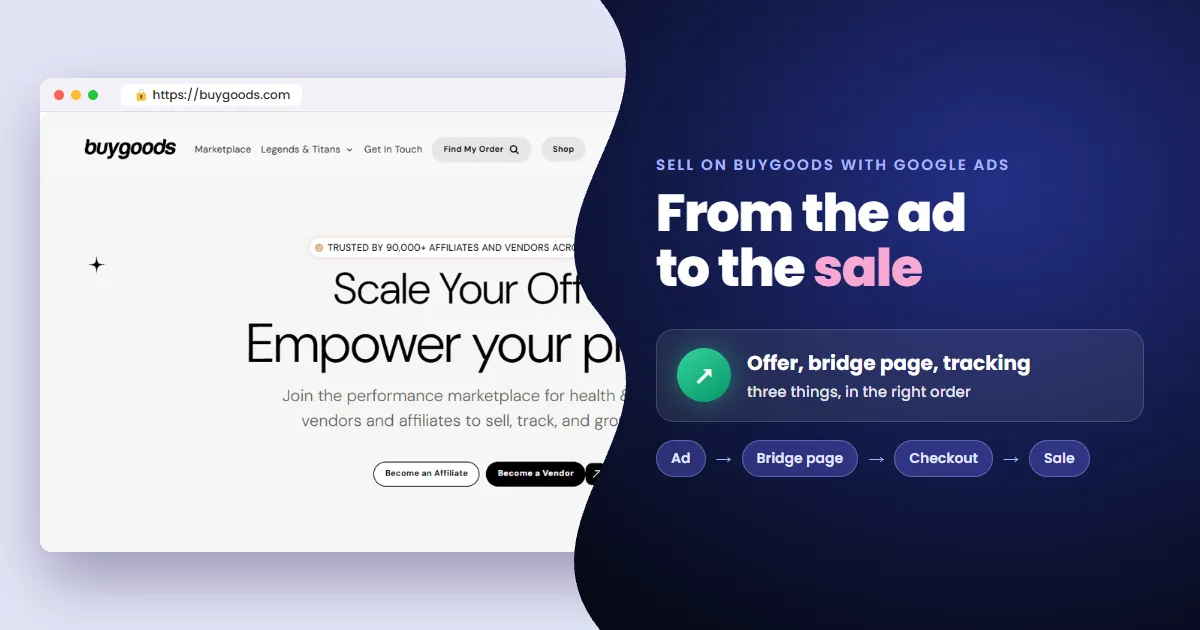
To sell BuyGoods offers with Google Ads you need two pieces: a presell on your own domain and a record of every sale in Google Ads. The checkout belongs to BuyGoods and won't take your tag. So the sale is recorded by postback, not by pixel.
- Offer: start with offers open to your traffic; the marketplace flags the brand-bidding ones.
- Presell: a page with its own content on your domain, before the sales page.
- Tracking: the click ID goes in a subid on the link, and BuyGoods reports the sale by postback.
- Result: campaigns that learn from every new sale.
You looked for the BuyGoods pixel and found nowhere to put it
It's the most common question from BuyGoods advertisers. The sale happens in the BuyGoods checkout, on a domain that isn't yours. Nobody installs a Google Ads conversion tag there.
Without recorded sales, the account only sees clicks. It keeps buying clicks that never sell, and the budget runs out before the campaign learns. The fix starts before the checkout: on the page your ad leads to.
Why not advertise straight to the sales page?
Because Google Ads requires original content at the destination. The sales page belongs to the product owner, on their domain. A page built only to send visitors to another site gets disapproved.
A presell is the page on your domain between the ad and the sales page. It presents the product with its own content, such as a review, a comparison or a quiz, and leads to your affiliate link.
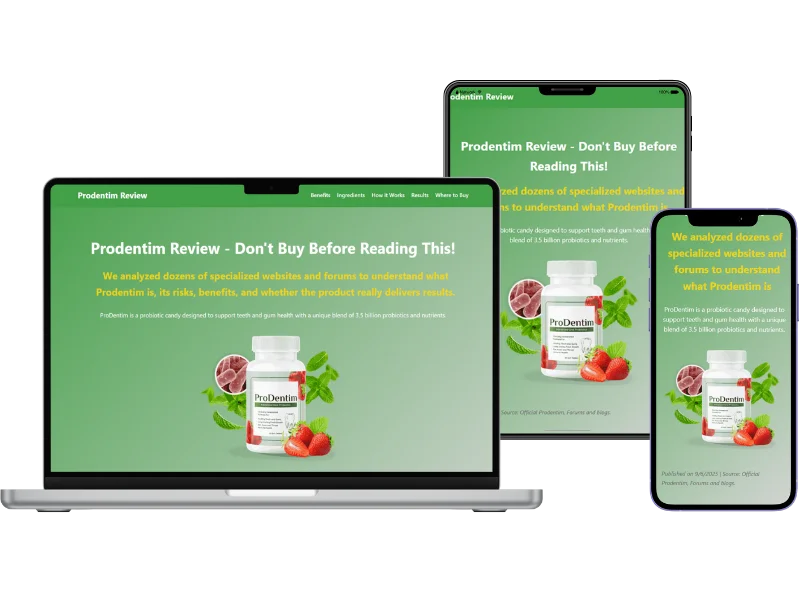
The formats are in types of presell pages for Google Ads. But no presell saves an offer the product owner doesn't open to your traffic.
Which BuyGoods offers work on Google Ads?
Start with offers open to search. The BuyGoods marketplace has a Brand Bidding Offers category, with offers the product owner approves for bidding on the brand name.
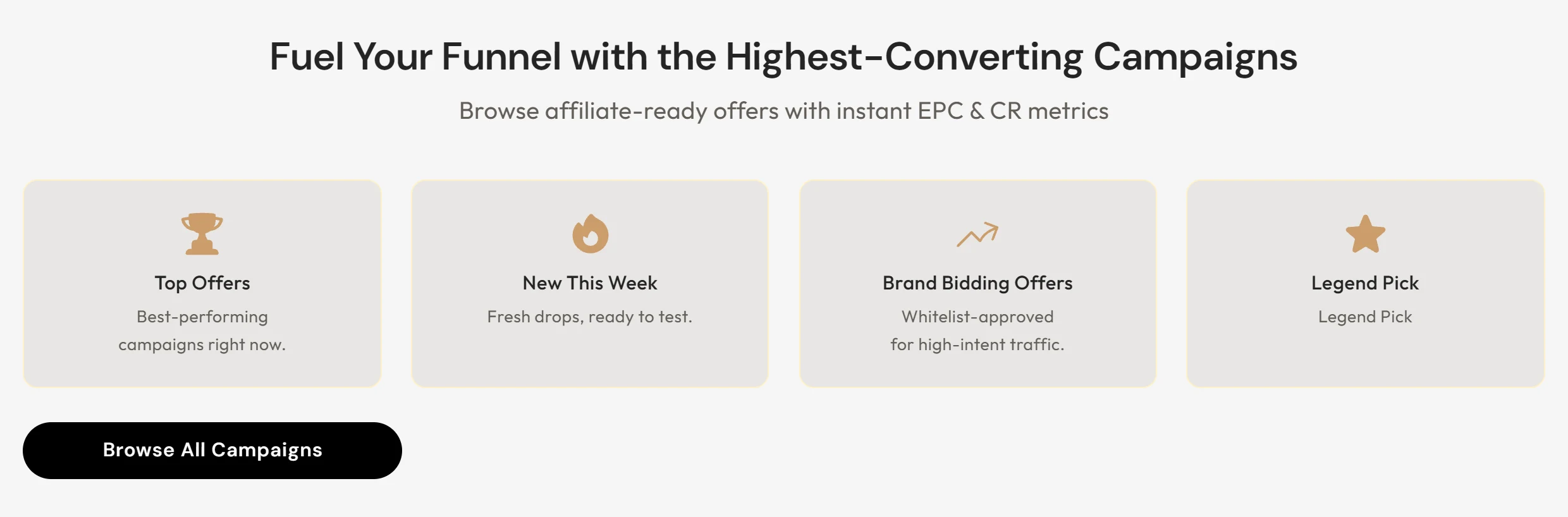
- Promote: the offer is open to your traffic right away.
- Apply to promote: the product owner must approve you. No answer in 48 hours? Email affiliates@buygoods.com.
- Unsure about brand bidding: ask affiliate support first; they advise by traffic source.
With the offer and the presell ready, one thing decides whether the campaign improves: Google Ads knowing which click became a sale.
How do you record BuyGoods sales in Google Ads without a pixel?
Through the postback. BuyGoods accepts the subid to subid5 fields on the affiliate link. On every sale, it sends those fields to an address you register.
A postback is the notice a platform sends, server to server, when a sale happens. Unlike a pixel, it needs no code on the thank-you page.
- 1The click lands on your presell with the Google Ads click ID (GCLID) in the URL.
- 2The presell stores the ID and passes it into a subid on your affiliate link.
- 3The buyer pays in the BuyGoods checkout, and the subid is saved with the order.
- 4BuyGoods sends the postback with the subid to the address you registered.
- 5The sale is recorded in Google Ads as a conversion, tied to the click that produced it.
Your postback address has to respond. If it doesn't, BuyGoods treats the call as failed and retries for up to three days. Until then, the sale doesn't show up in Google Ads.
Recorded sales make campaigns that learn
With every sale recorded, the campaign stops optimizing for clicks and starts optimizing for people who buy. These are campaigns that learn from every new sale and find new buyers.
You also see which keyword and which ad bring sales. What only burns clicks comes out of the campaign, and your budget goes to what sells.
Frequently asked questions
Does BuyGoods have a Google Ads pixel?
Not the kind Google Ads asks for. What BuyGoods offers are “postback pixels”: sale notices sent to an address of yours, with the link's subids.
Can I put my affiliate link straight into the ad?
It isn't the safe route. The ad's domain has to match the landing page, and the page needs its own content. Advertise to your presell, and let it lead to the sales page.
Do I need my own domain to sell BuyGoods on Google Ads?
Yes. The presell sits on your domain, which is what the ad shows. A domain of your own also keeps your campaigns separate from other affiliates running the same offer.
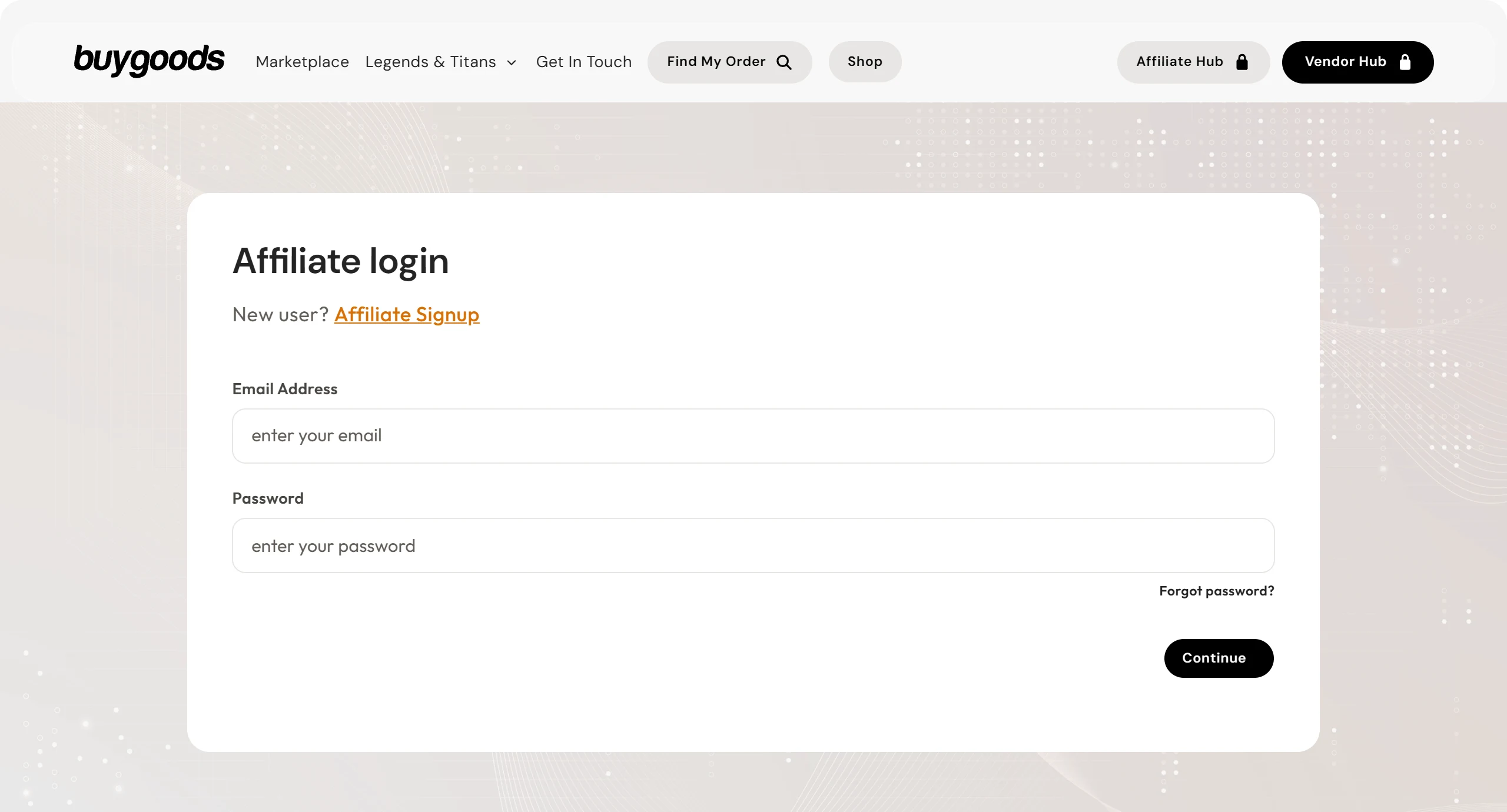
BuyGoods affiliate login and sign-up
These are the official addresses. Check that your browser shows backoffice.buygoods.com before typing your password.
 Read alsoHow to Get Approved on BuyGoods: What to Send
Read next
Sources
Information checked on November 6, 2026, on the official pages below.
- BuyGoods FAQ: postback pixels, subids, retries and Promote vs Apply to promote offers
- Google Ads destination requirements: original content and matching ad and landing page domains
 AdsXEverything you need to sell as an affiliate
If you want to sell BuyGoods offers on Google Ads without building it all by hand
AdsX has over 5,000 users and builds the presell on your domain, hosts the page and records every BuyGoods sale in Google Ads.
Keep going
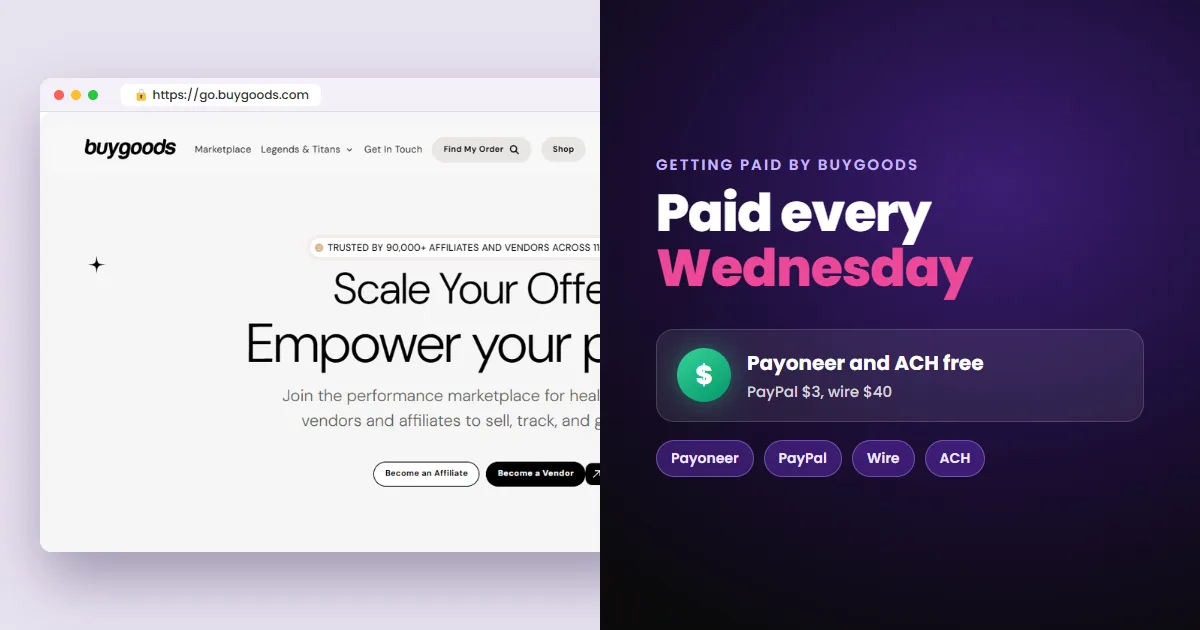 Next stepHow to Get Paid by BuyGoods: Payout Days and MethodsBuyGoods pays every Wednesday by Payoneer, PayPal, wire or ACH. See the fees, what holds the first payout, the 10% reserve and how to set up payouts.Read next
More on BuyGoods
How to Sell as a BuyGoods Affiliate with Google Ads BuyGoods vs ClickBank: Which One to Choose as an Affiliate