
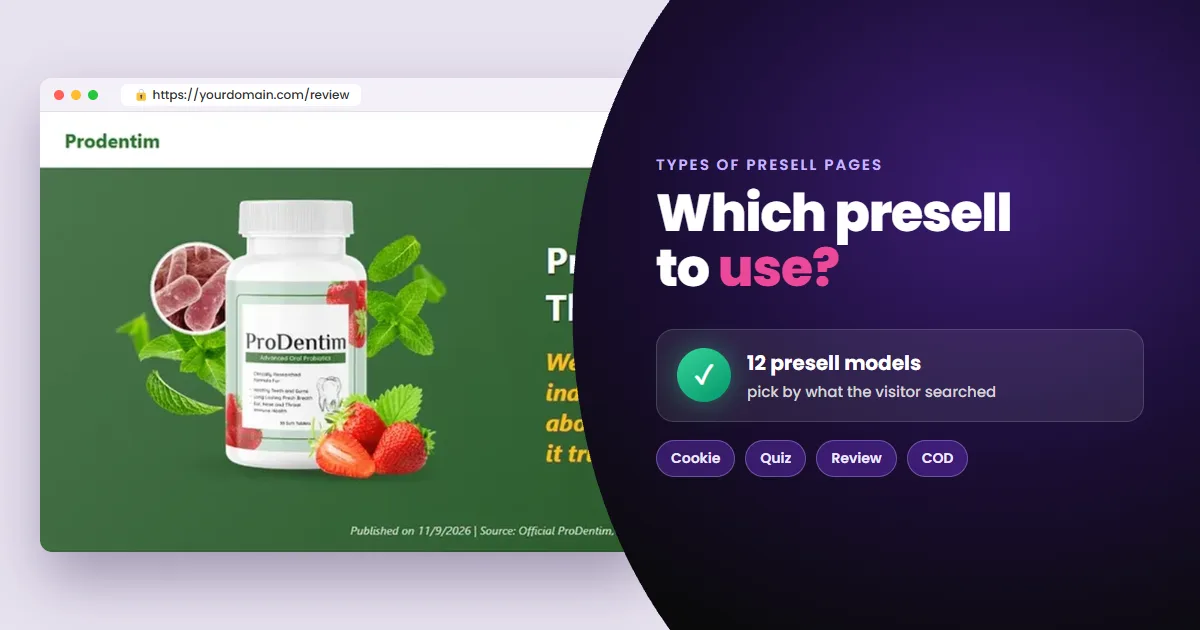
Each type of presell page for Google Ads does something different before the offer: asks for consent, warms up, answers a doubt, splits traffic or takes the order. Picking the wrong model costs you conversions. Here is what each one does and when to use it.
- The models: cookie consent, ghost, direct, quiz, review, long-form, banner, VSL, COD, flags, gender and multiple choice.
- How to choose: by vertical, keyword awareness stage and the category's policy.
- How to know which converts: test them on the same offer and compare cost per sale.
- What matters most: publishing on your own domain, with SSL.
A presell page (or bridge page) sits between your ad and the vendor's sales page. It gives the visitor context, meets Google's destination requirements and lets you track the click.
Why is there more than one type of presell page?
Because offers and visitors aren't all the same. And Google doesn't review every vertical with the same criteria.
- Someone searching “buy X cheap” is bottom of funnel and needs no warm-up.
- Someone searching “how to lose weight after 40” is top of funnel and needs content before any offer.
- Health, finance and adult content have their own rules in Google Ads.
So the presell type depends on three variables: vertical, keyword awareness stage and category policy. Get one wrong and you see the same symptom: acceptable CTR, weak conversion and a sliding Quality Score.
What are the types of presell pages for Google Ads?
These are the presell models affiliates use most on Google Ads, from the most common to the ones built for specific cases.
Cookie consent presell
The most used model and the lightest. A cookie notice appears over an image of the offer page. The visitor closes the notice and moves on to the offer.
- It fits any vertical or product and makes no performance claim.
- It works best with brand and bottom-of-funnel keywords.
- The notice can be a simple bar or a box with Preferences, Accept and Decline. Test both.
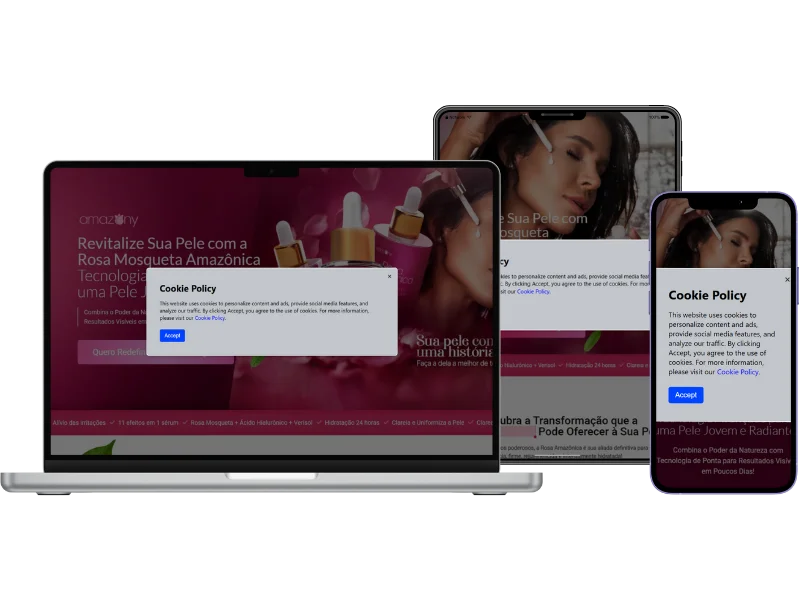
Step by step: how to make a cookie presell page.
Ghost presell
A visual replica of the offer page. Any click takes the visitor straight to checkout. It works for any vertical but tends to cost more per click than cookie consent.
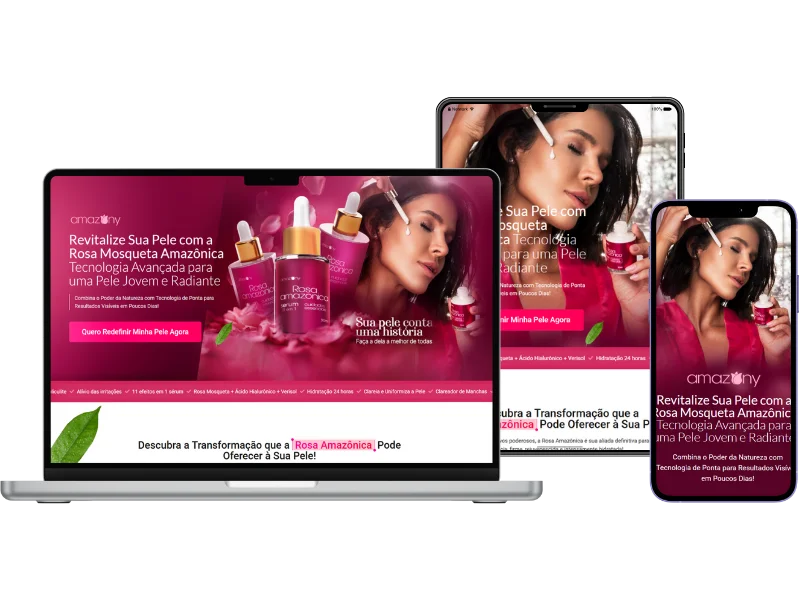
Step by step: how to make a ghost presell page.
Direct presell
The shortest path to the offer. A single screen: product name, image, trust badges and the button to the offer, with no sales copy in between.
Quiz presell
The model that holds visitors on the page longest. Short questions, each answered with one tap. After the last answer, the visitor moves on to the offer.
- Best for health, finance and relationships, where visitors want a solution for their own case.
- The gain is the micro-commitment: someone who answered reaches the sales page more engaged.
- 3 to 5 questions: fewer doesn't engage, more makes visitors quit halfway.
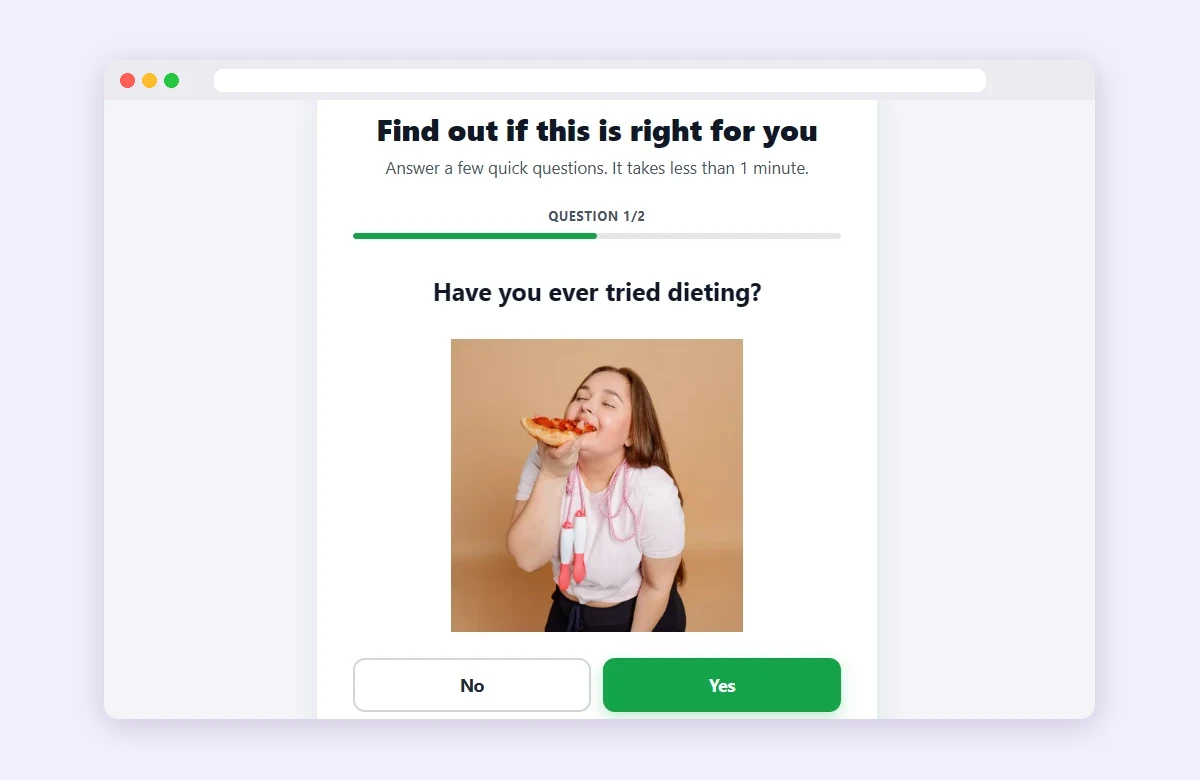
Step by step: how to make a quiz presell page.
Review presell
For people searching whether the product works. It's an opinion article that answers the reader's doubts before sending them to the official site.
The search here is almost always “does X really work?” or “is X any good?”. Whoever searches that already knows the product and just wants the doubt cleared before buying.
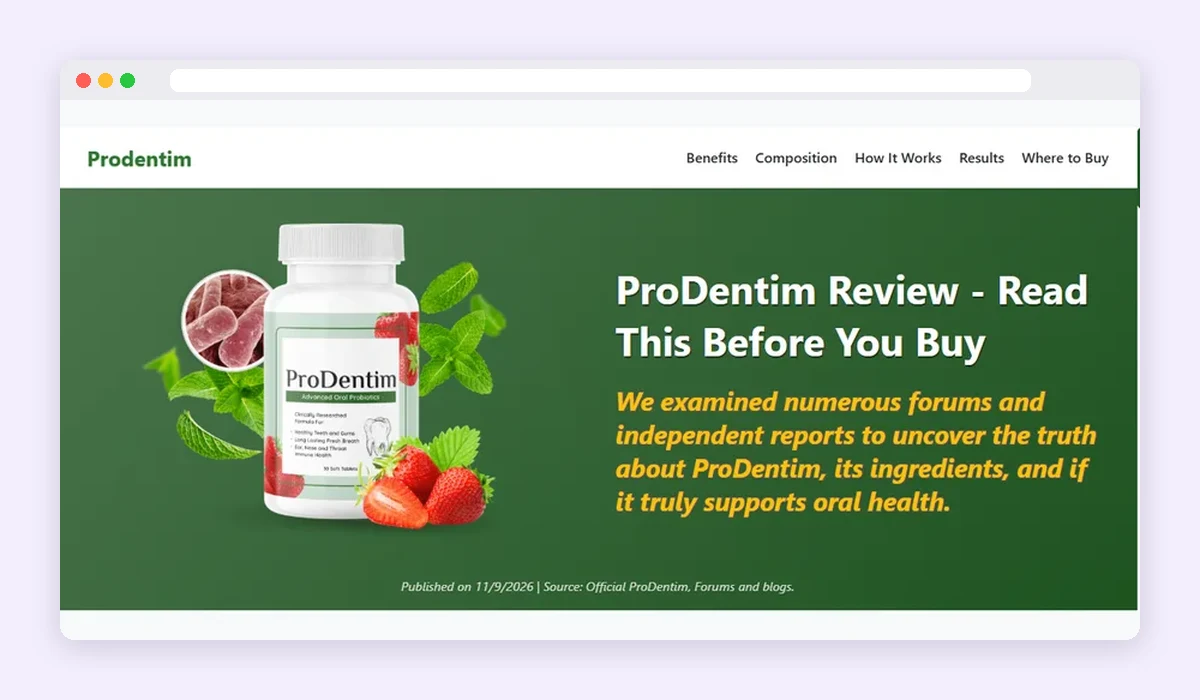
Step by step: how to make a review presell page.
Long-form presell
A full sales page before the offer. It fits supplements, programs, courses or devices. Use it when the keyword calls for long, original content, or when the category demands more information on the page.
Banner presell
The fastest model to publish. A finished image (made in Canva or similar) becomes the whole clickable page.
- Best for standing out visually, seasonal promotions and quick creative-angle tests.
- It carries little text, so it's a poor match for informational keywords.
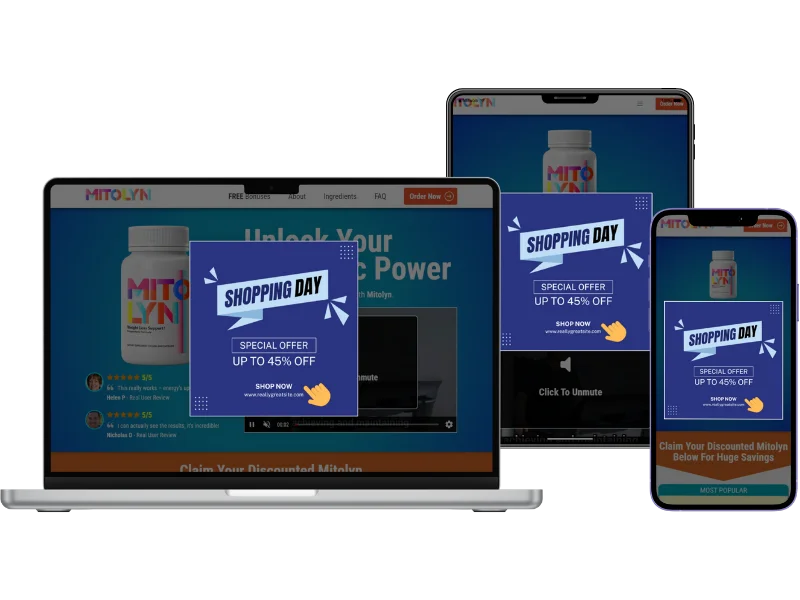
Step by step: how to make a banner presell page.
Top-of-funnel (VSL) presell
Introduces the offer to people who don't know it yet. It comes before a video sales page and gives the visitor context. Use it when the final offer is a VSL and the keyword is cold. Step by step: how to make a VSL presell page.
Cash on delivery (COD) presell
For offers paid only on delivery. There are two versions, and the choice depends on where the order form lives.
- Without form: the sales page already has the form. The presell explains payment on delivery and sends the visitor to it.
- With form: the order is placed on the presell itself, which collects the buyer's details and can offer an upsell in the same step.
- Long-form with form: a full sales page with the form at the end, for when you want more content before the order.
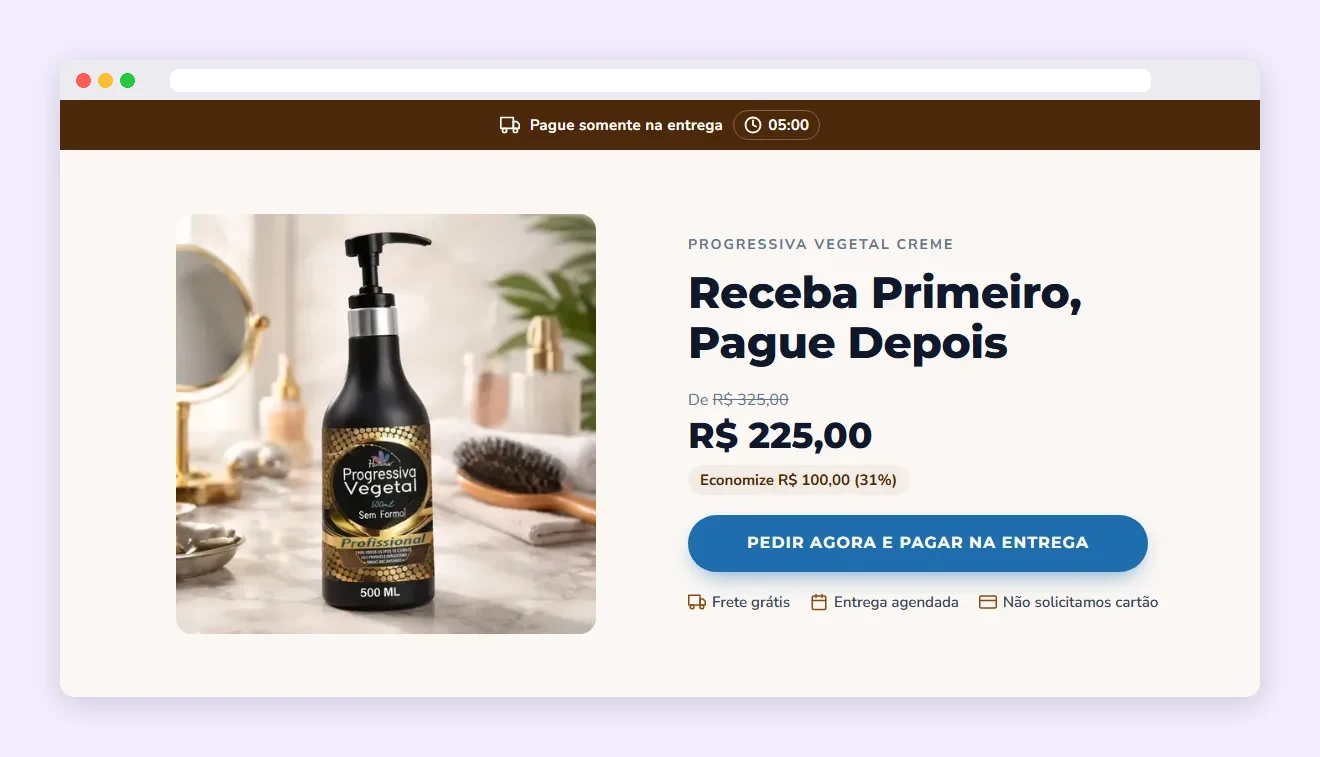
Step by step: how to make a cash on delivery presell page.
Flags presell
Splits traffic by country. It shows 2 to 4 country flags, each leading to that region's link. It fits offers with different pages or affiliate links per country or language. Step by step: how to make a flags presell page.
Gender presell
Splits traffic by audience. It shows three options (Man, Woman and Prefer not to say), each with its own link. It fits sales pages or links segmented by gender.
Multiple choice presell
For almost-decided leads. It shows two buttons: “I want to see a review” leads to a review page, and “I want to make the purchase” goes straight to the affiliate link. Those who want to check can; those ready to buy lose no time.
What if you already have a page?
You don't have to start from scratch. There are three ways to reuse what you have:
- Clone a page: copy it from its URL and strip third-party pixels and scripts before publishing on your domain.
- Publish your own HTML: upload a page built elsewhere to your domain, with hosting and an SSL certificate.
- Keep it where it is: leave the page on its current hosting and just install sales tracking on it.
How to choose the right presell type
Start with the keyword you're bidding on. This path holds up in most Search campaigns:
- Brand or bottom-of-funnel keyword, restricted vertical → cookie consent
- Any vertical, testing against cookie consent → ghost or direct
- Product-doubt keyword (“does it work?”, “is it legit?”) → review
- Keyword that calls for long content before the offer → long-form
- Health, finance or relationship vertical, cold traffic → quiz
- Main offer is a VSL → top-of-funnel
- Payment on delivery → COD (with or without form, depending on the sales page)
- Different links per country or audience → flags or gender
- Almost-decided lead who still wants to check → multiple choice
- Seasonal promo or fast creative test → banner
This path gives you a starting point. The test picks the winner.
How to know which model converts best
Test at least three models on the same offer. Same ad, same budget: only the page changes.
- 1Create one ad group per model, with the same keywords and the same ad.
- 2Split the budget evenly and let it run until each group has enough sales to compare.
- 3Compare cost per sale, not CTR or cost per click.
The third step only works if every sale is recorded in Google Ads. Without that, the campaign sees clicks, and the model that seems to win is the one that draws the most browsers.
But the right model isn't enough if the page lives in the wrong place.
The costliest mistake is the domain, not the model. Google evaluates the destination domain. A presell on a shared subdomain, already used by other affiliates, inherits their history.
Your own domain has a trap too: a domain bought elsewhere can carry history. If the previous owner used it for spam, that reputation comes with it. More risks in the dangers of buying ready-made presell pages.
Frequently asked questions about presell page types
Which presell page type do affiliates use most?
The cookie consent presell: it fits any vertical or product, is fast to deploy and makes no performance claim.
Can I use more than one presell type in the same campaign?
Yes, and you should. Use one presell per ad group, matched to that group's keyword intent. That raises landing page relevance, one of the components of Quality Score.
Are presell pages allowed under Google Ads policy?
Yes, as long as the page delivers real value and doesn't mislead about the destination. Google's destination requirements disapprove destinations solely designed to send users elsewhere. A presell with original content and a clear destination is within policy.
Which presell type converts best?
The one that matches the intent of the keyword you bought. On cold health traffic a quiz usually fits better; on product-name searches, a review. That's why testing beats any rule of thumb.
Conclusion
Presell page types aren't visual styles. They're answers to three questions: which vertical you're in, how cold the traffic is and how restrictive the category's policy is. The final answer comes from each test's cost per sale.
 AdsXEverything you need to sell as an affiliate
If you want to test several presell models without building each page by hand
AdsX has over 5,000 users and builds and hosts every model for you, on your own domain.
More on Bridge page
 AdsX in Claude and ChatGPT: You Ask, Your Operation Runs
 Is ClickBank Accelerator Worth It? Cost and Reviews
 LanderLab Review: Pricing, AI Credits and Limits