
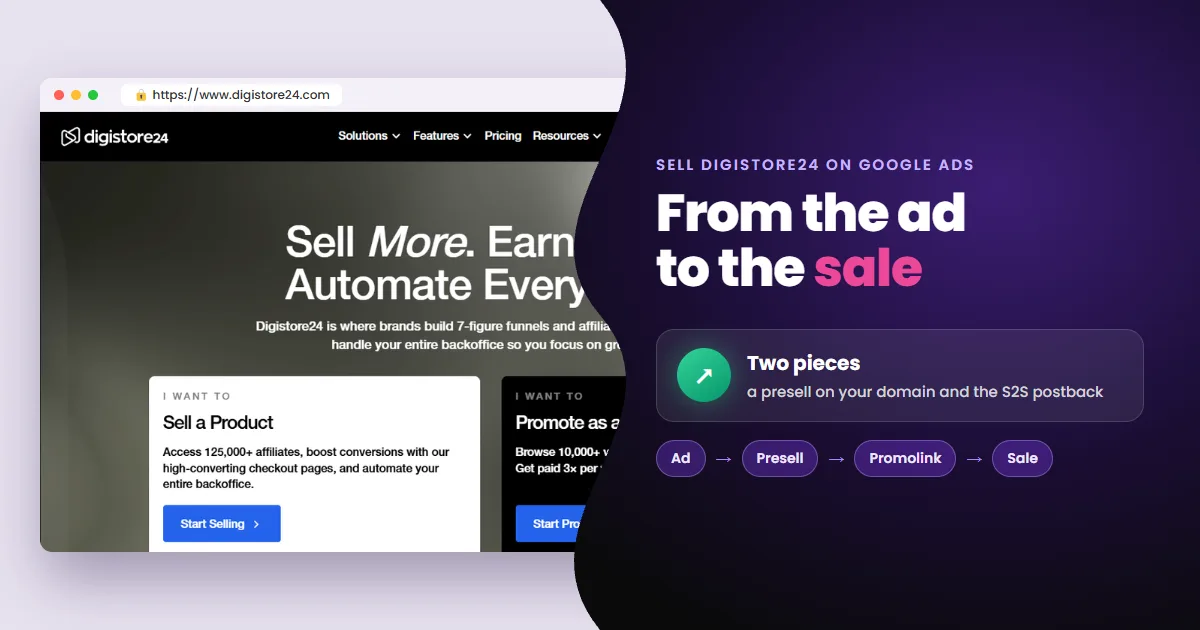
To sell Digistore24 on Google Ads you need two pieces: a presell on your own domain and Digistore24's S2S postback connected to your ad account. The first secures your spot in the auction. The second shows Google who bought.
- A presell on your domain: with the direct link, you compete with every affiliate of the product for a single slot.
- S2S postback switched on: the sale happens in the Digistore24 checkout, and the postback tells you which ad sold.
- The result: campaigns that learn from every new sale and find new buyers.
The sales page is ready. What's missing is knowing which ad sold
Digistore24 products come with a sales page. The problem is what happens after the click:
- The sale happens in a checkout that isn't yours.
- Your ad account only sees clicks.
- Without knowing which ad sold, you keep paying for clicks that don't sell, and Google has nothing to learn from.
And before the sale even happens, there's a trap in where your ad sends people.
Why not advertise straight to the sales page?
Because you compete with every affiliate of the product for a single slot.
- The sales page is the same for the product owner and every affiliate.
- In a given auction, Google shows only one ad per site.
A presell solves it: a page on your own domain, with its own content (a review, a comparison, a quiz), that sends the buyer to the sales page through your promolink. See the formats in types of presell pages for Google Ads.
An empty presell won't work: a page that only redirects gets blocked by Google. And Digistore24 bans third-party brands, including variations and misspellings, and traffic to pages the vendor didn't designate.
The presell secures your spot in the auction. But the sale still happens in the Digistore24 checkout.
How does a Digistore24 sale reach your ad account?
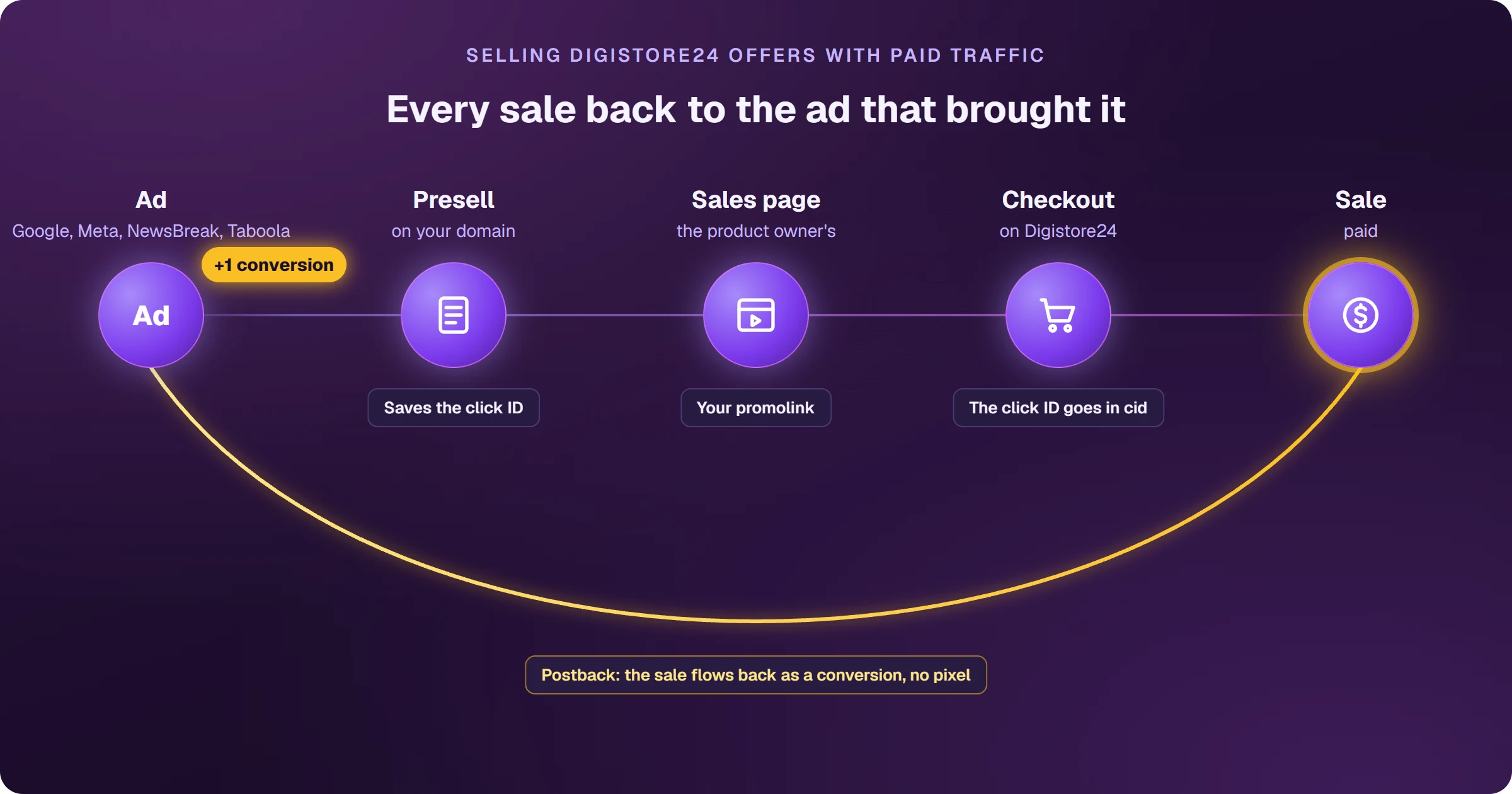
Through the S2S postback. Under Sales & partners > Integrations, it works like this:
- 1You create an integration and choose the partnership and the order events.
- 2You enter the address that will receive the sale notice.
- 3On the promolink, the click ID goes in the cid parameter; up to five sub-IDs go in sid1 to sid5.
- 4On every sale, Digistore24 sends the cid, your commission and the transaction ID.
- 5The sale becomes a conversion tied to the ad that produced it.
A postback is the notice a platform sends, server to server, when a sale happens. Unlike a pixel, it doesn't need code in the checkout.
- The integration has a connection test and a log tab with every notice sent.
- Affiliates can't make test purchases: your first real check is your first sale.
- To split campaigns in Digistore24's reports, use the campaign key at the end of the promolink.
- Don't use link shorteners on the promolink.
It works. But only if every piece is in place before the first click.
Checklist before your first Digistore24 ad
Five pieces, in this order. Miss one and the campaign runs blind:
- 1A presell with original content, on your own domain with HTTPS.
- 2Your promolink on the presell, with no shortener.
- 3The click ID passed in the promolink's cid parameter.
- 4The S2S postback switched on and tested in the integration log.
- 5The Google Ads conversion set to the confirmed sale, with its value.
The more sales come in, the more the account learns. That's what lets you raise your investment with confidence. Done by hand, these five pieces take weeks.
Frequently asked questions
Does Digistore24 have a Google Ads pixel for affiliates?
The help center doesn't document a Google Ads pixel for affiliates. The documented path is the S2S postback, with the click ID in the cid. It takes the sale to Meta, NewsBreak and Taboola as well.
Can I put my promolink straight into the ad?
You can, but you'll compete with the product owner and every other affiliate, and Google only shows one of them. With a presell on your own domain, the ad is yours alone.
How do I check the postback works?
Use the integration's connection test and watch the log tab. Since affiliates can't make test purchases, check again when your first sale comes in.
Read next
- What is Digistore24 and how does it work for affiliates?
- Digistore24 sign up: how to register as an affiliate
- Digistore24 vs ClickBank: which is better for affiliates?
Where do you access Digistore24?
These are the official Digistore24 addresses. Check that your browser shows digistore24.com before typing your password. After you log in, the dashboard opens on digistore24-app.com.
Sources
Information checked on October 25, 2026, in the official Digistore24 help center and terms.
- Set up S2S postback (cid, sid1 to sid5)
- Track advertising campaigns with tracking and campaign key
- Use promolink: format, cookie and attribution
- Terms for vendors and affiliates (resale in its own name, commission reversal)
 AdsXEverything you need to sell as an affiliate
If you want those five pieces ready without doing them by hand
AdsX has over 5,000 users and does it for you: it builds the presell, publishes it on your domain and ties every Digistore24 sale to the ad that brought it.
Keep going
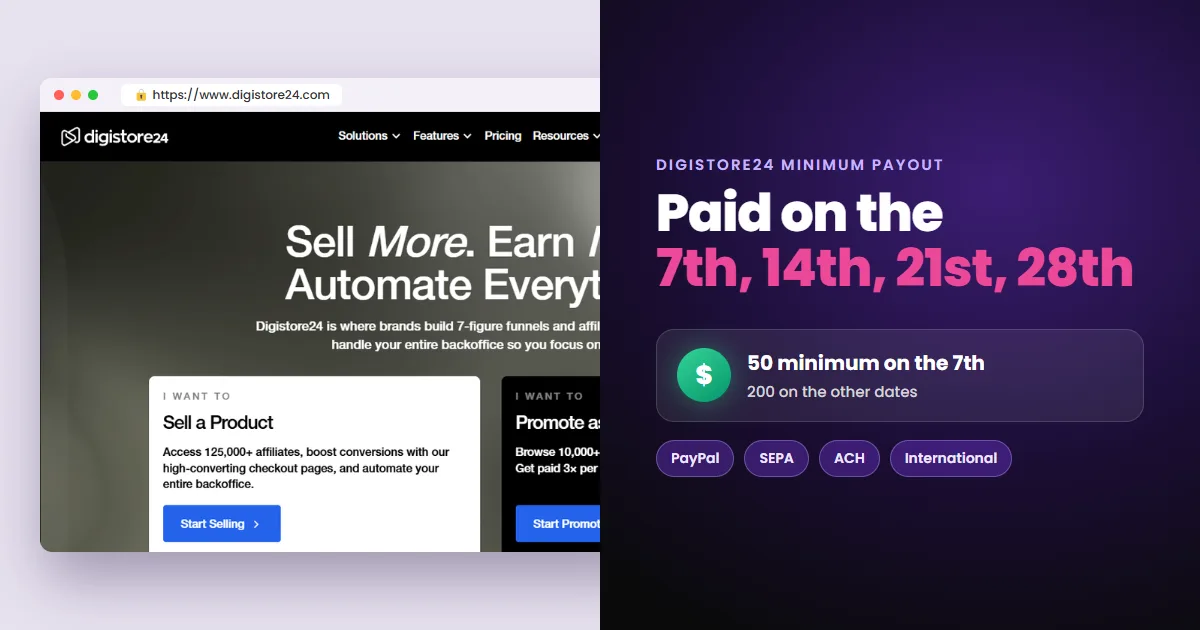 Next stepDigistore24 Minimum Payout, Payment Methods and FeesSee the Digistore24 minimum payout (50 on the 7th, 200 on other dates), the 4 payment methods by reseller, the payout fees and what to set up to get paid.Read next
More on Digistore24
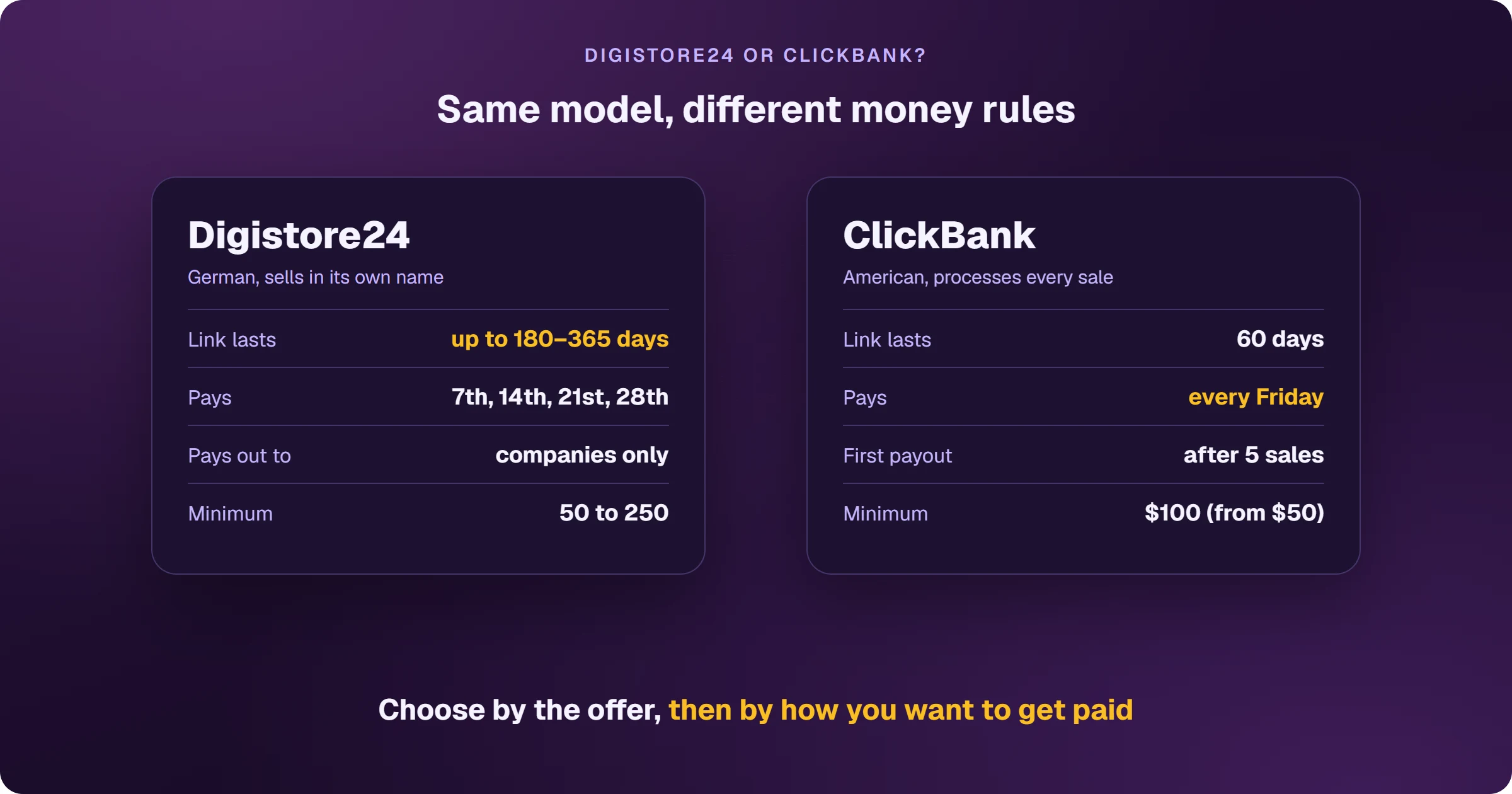 Digistore24 vs ClickBank: Which Is Better for Affiliates?
 What Is Digistore24 and How Does It Work for Affiliates?
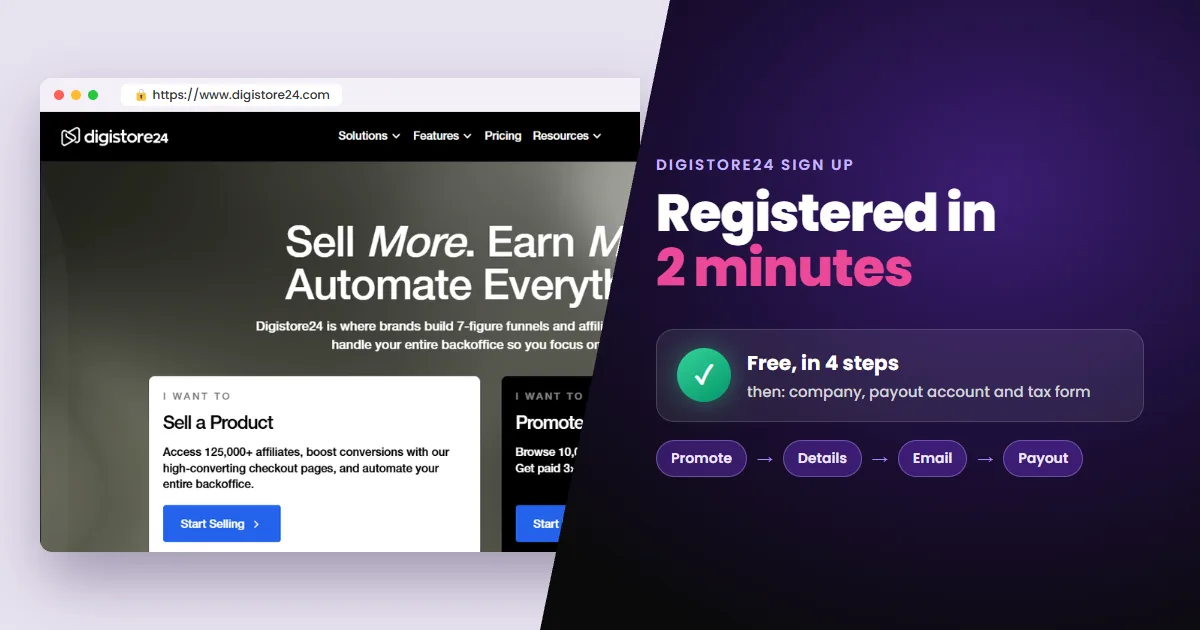 Digistore24 Sign Up: How to Register as an Affiliate