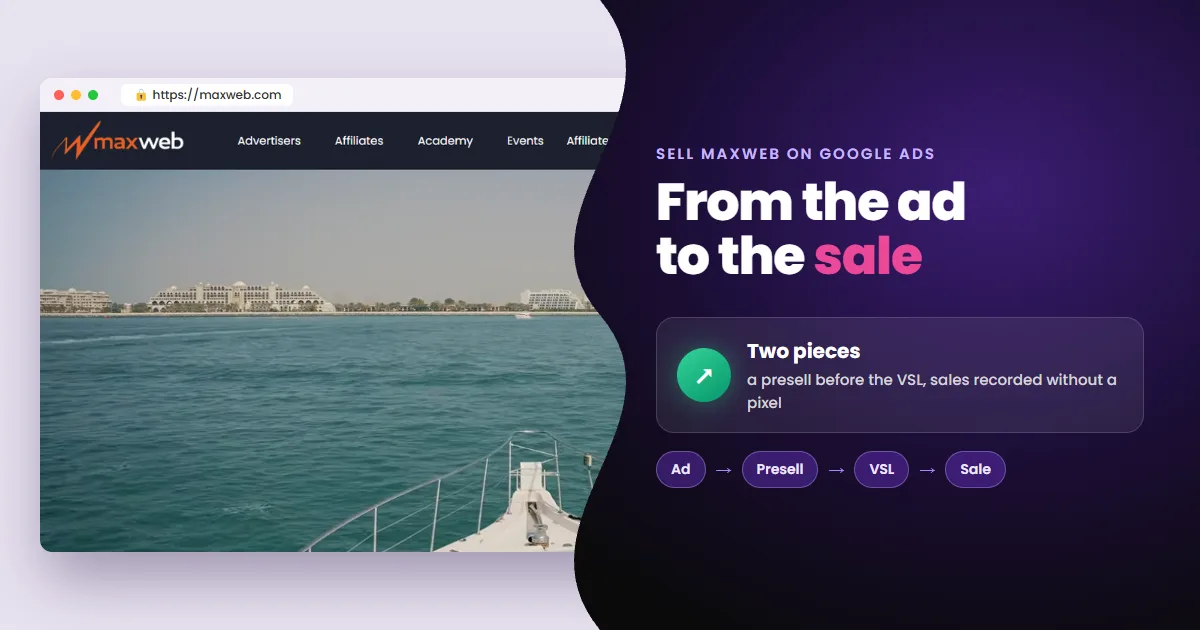
To sell MaxWeb offers on Google Ads you need two pieces. The first is a presell on your own domain. The second, a way to record each sale in Google Ads without a pixel. The VSL and the checkout belong to MaxWeb, so neither takes your tag.
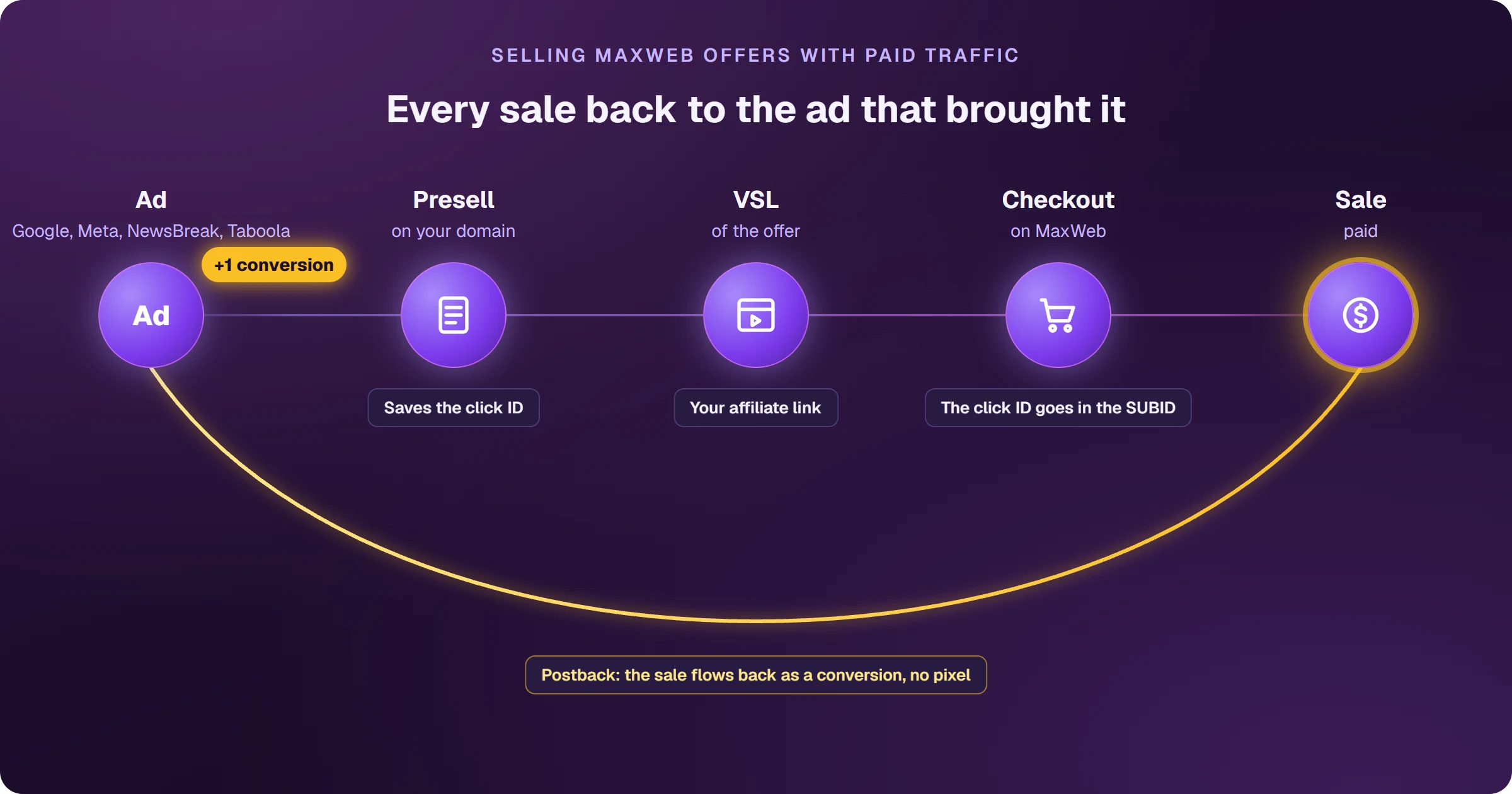
- Don’t advertise the VSL directly: the ad needs a page with its own content on your domain.
- Presell: a review, comparison or quiz that leads to the VSL through your link.
- Tracking: MaxWeb’s postback sends each sale with the SUBID you put on the link.
- Result: campaigns that learn from every new sale.
The VSL is ready. What’s missing is knowing which ad sold
MaxWeb offers come with a sales page: a VSL that converts. The sale happens in the network’s checkout, on a domain that isn’t yours.
So your ad account only sees clicks. Without knowing which ad brought each sale, you keep investing in clicks that don’t sell. The fix starts with where the ad sends people.
Why not advertise straight to the MaxWeb VSL?
Because Google Ads asks for a landing page with its own content, on the domain shown in the ad. The VSL belongs to MaxWeb, on its domain. Sending the click straight there doesn’t meet that requirement.
A presell is a page on your domain, with its own content, that sits between the ad and the sales page. It warms up the buyer and leads to the VSL through your link.
The most common formats are a review, a comparison and a quiz. See them in types of presell pages for Google Ads.
Before building anything, though, check one thing in the offer itself.
Check if the offer accepts Google Ads traffic
Each MaxWeb offer sets its own rules. Open View Restrictions before you build anything: it lists the allowed traffic sources, the countries and any restriction.
Most MaxWeb offers are health supplements. Ads that promise to cure or treat a condition are disapproved. Describe the product; don’t promise the result.
What gets approved and what doesn’t is in the Google Ads guide for nutra affiliates. With the ad and the presell in place, one piece is left: knowing which click turned into a sale.
How does a MaxWeb sale reach Google Ads without a pixel?
Through the postback. MaxWeb accepts the SUBID to SUBID5 fields on the affiliate link and sends them, on every sale, to an address you register. It works in four steps:
- 1Save the click ID (GCLID) on the presell when the visitor arrives.
- 2Pass it in a SUBID of your MaxWeb affiliate link.
- 3Register a postback URL under Account > Postback Pixels, with the {SUBID} variable.
- 4Record the sale in Google Ads as a conversion tied to that GCLID.
A postback is the notice a network sends, server to server, when a sale happens. A pixel needs code on the thank-you page; a postback doesn’t need access to the checkout.
One detail: your address has to respond to every notice. If it doesn’t, MaxWeb treats it as a failure and keeps retrying for up to three days.
What changes when every sale is recorded
The campaign stops optimizing for clicks and starts learning from every new sale. You also see which keyword and which ad actually sell:
- Pause keywords that only bring clicks.
- Invest more in the ads that bring buyers.
- Use conversion-based bidding, fed by real sales.
- Compare offers by sales, not by clicks.
The same postback also works for Meta, NewsBreak and Taboola, as long as the click ID of each platform goes in a SUBID.
Frequently asked questions
Does MaxWeb have a Google Ads pixel?
Not the kind Google Ads asks for. MaxWeb offers Postback Pixels: sale notices sent to an address of yours, with the link’s SUBIDs. That is how the sale is recorded in Google Ads.
Can I put my affiliate link straight into the ad?
It isn’t the safe route. The landing page needs its own content and has to sit on the ad’s domain. Advertise your presell, and let it lead to the VSL.
What happens if my postback address doesn’t respond?
MaxWeb treats it as a failure and retries for up to three days. That’s why the address has to respond to every sale notice.
Do I need to be approved before selling?
Yes. First the account, then each restricted offer. See MaxWeb affiliate signup: how to get approved.
Read next
Where do you access MaxWeb?
These are the official addresses. Check that your browser shows affiliates-backoffice.maxweb.com before typing your password.
Sources
Rules checked on November 6, 2026, on the official pages below.
- MaxWeb FAQ: Postback Pixels, SUBID variables, retries and View Restrictions
- Google Ads destination requirements
 AdsXEverything you need to sell as an affiliate
If you want every MaxWeb sale recorded in Google Ads
AdsX has over 5,000 users and builds the presell on your domain, hosts it and ties every MaxWeb sale to the ad that brought it, automatically.
Keep going
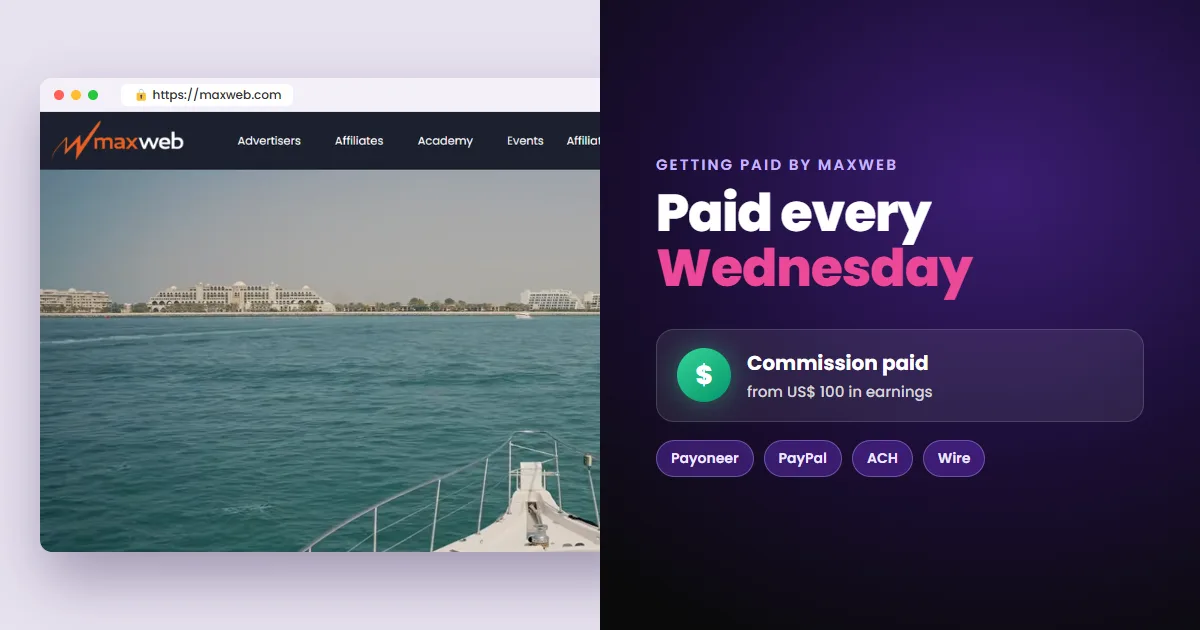 Next stepHow to Get Paid by MaxWeb: Payout Days and MethodsMaxWeb pays every Wednesday by Payoneer, PayPal, wire or ACH, from $100. See the fees, what holds the first payout and how to set up your payment details.Read next